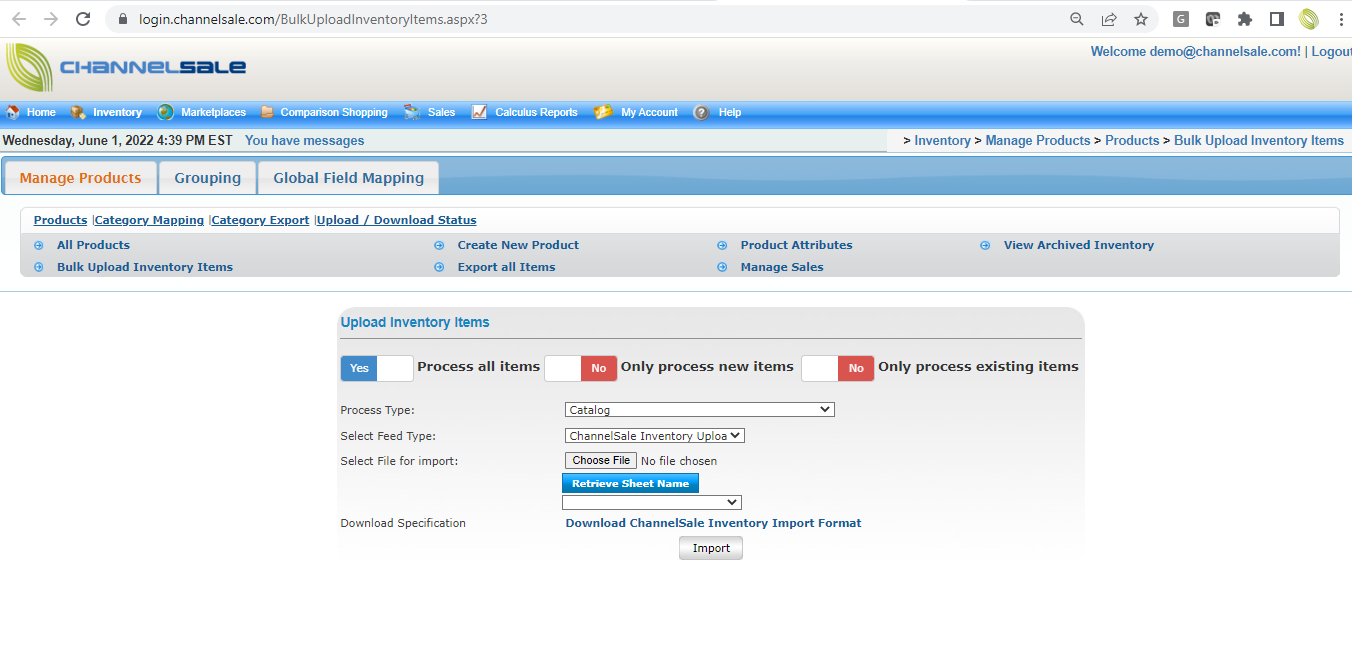
To import Catalog using file from an FTP location, following steps are to be followed.
1. Upload a file on the FTP loction using FileZilla.
2. Login to ChannelSale and navigate to My Account > Account Settings > FTP/HTTP Settings
3. Select process type as "Catalog"
4. Source type will be "FTP Pull"
5. Enter your FTP address, User name and password
6. Passive mode will be off.
7. Enter your file name with file format.
8. Select Feed Type as "custom"
9. File format can be chosen from the drop down
10. Column name will be the first row
11. Sheet name will populate automatically
12. Schedule frequency and enable.
13. System will prompt to map global fields from the feed file to ChannelSle.
14. Map all required and desired attributes from the catalog file.
15. Import will run and ones complet the validation will showup on the message center with success count, errors and fixes.